Texas State Report (TX)
Many states require an annual report or survey submission; this report will provide the most-frequently-requested data elements to fulfill those requirements.
For set up and configuration, please see the Regulatory Reports set up help file.
Generate Validation Report and Data Output
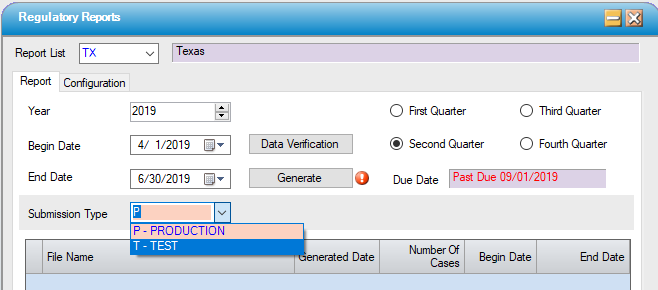
1. Access Regulatory Reports on the menu and select the report from the drop down list.
2. Run the Data Verification and correct any issues and re-run the report until there are no issues remaining on the report.
3. Select the applicable Submission Type, generate the report and save to a local or network folder.
4. Note the number of records as this will need to be submitted to the state when the report is uploaded.
Send Files
Submit files through System 13's online system. See the Data Coordinator Manual for specific instructions or email ubhelp@ihastaff.org.
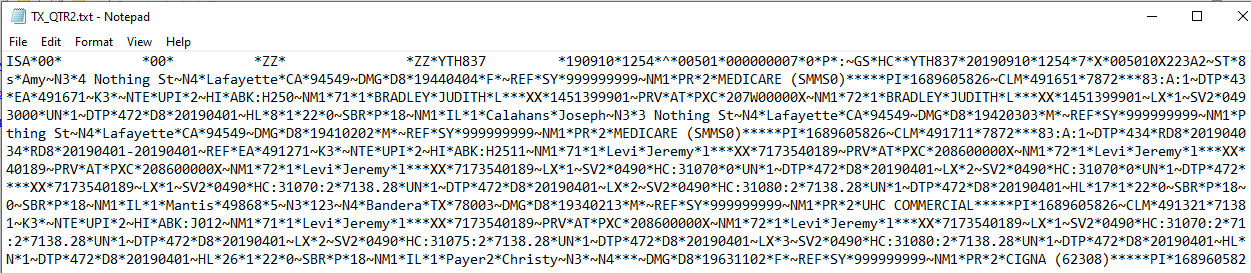
Sample Output
File Format: 837